▶ Video coming soon — being migrated to new hosting.
You can upload a document in Microsoft Teams and get it translated (AI Translate) and ready to download.
To upload a document for AI Translation, perform the following:
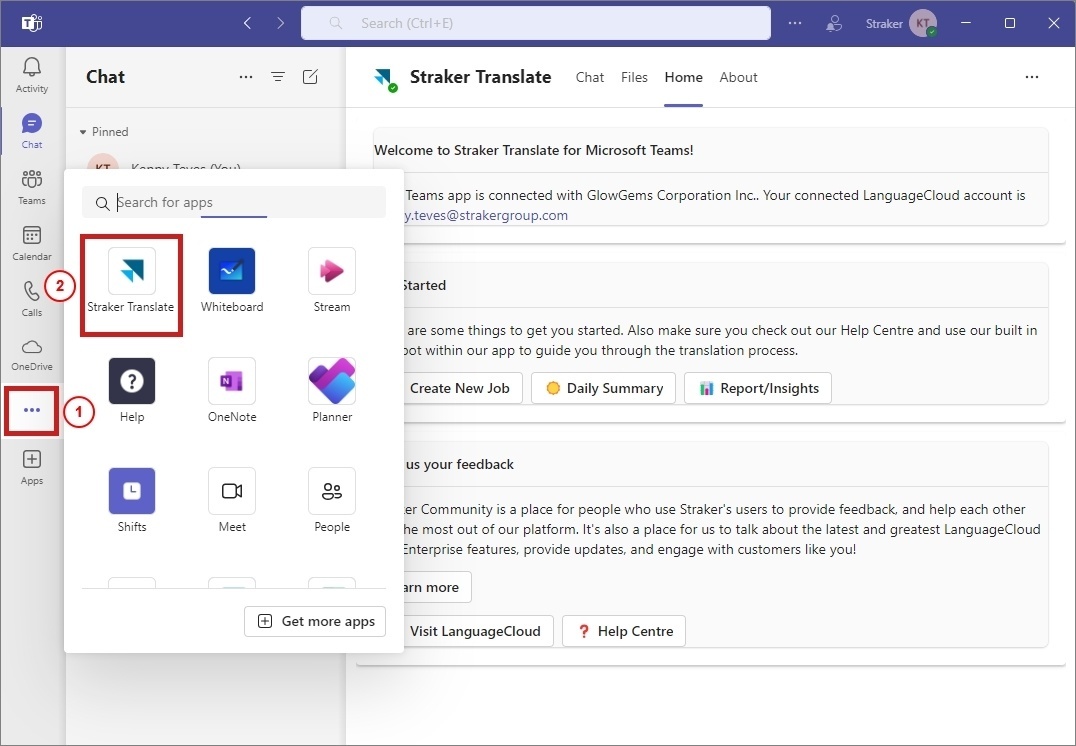
- Open the Straker Translate app in Microsoft Teams.
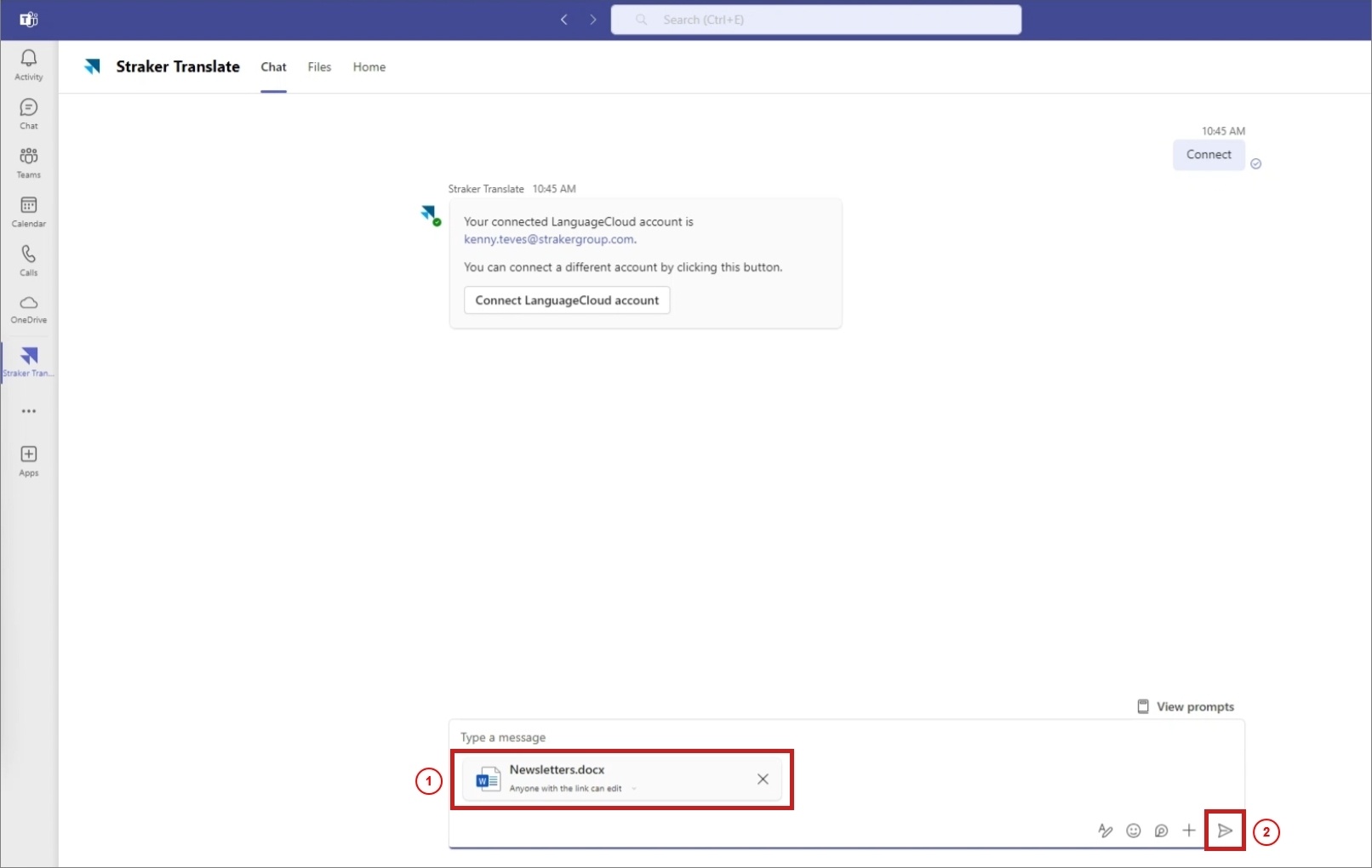
- Drag and drop the document inside the message box, and then press Enter or click Send.
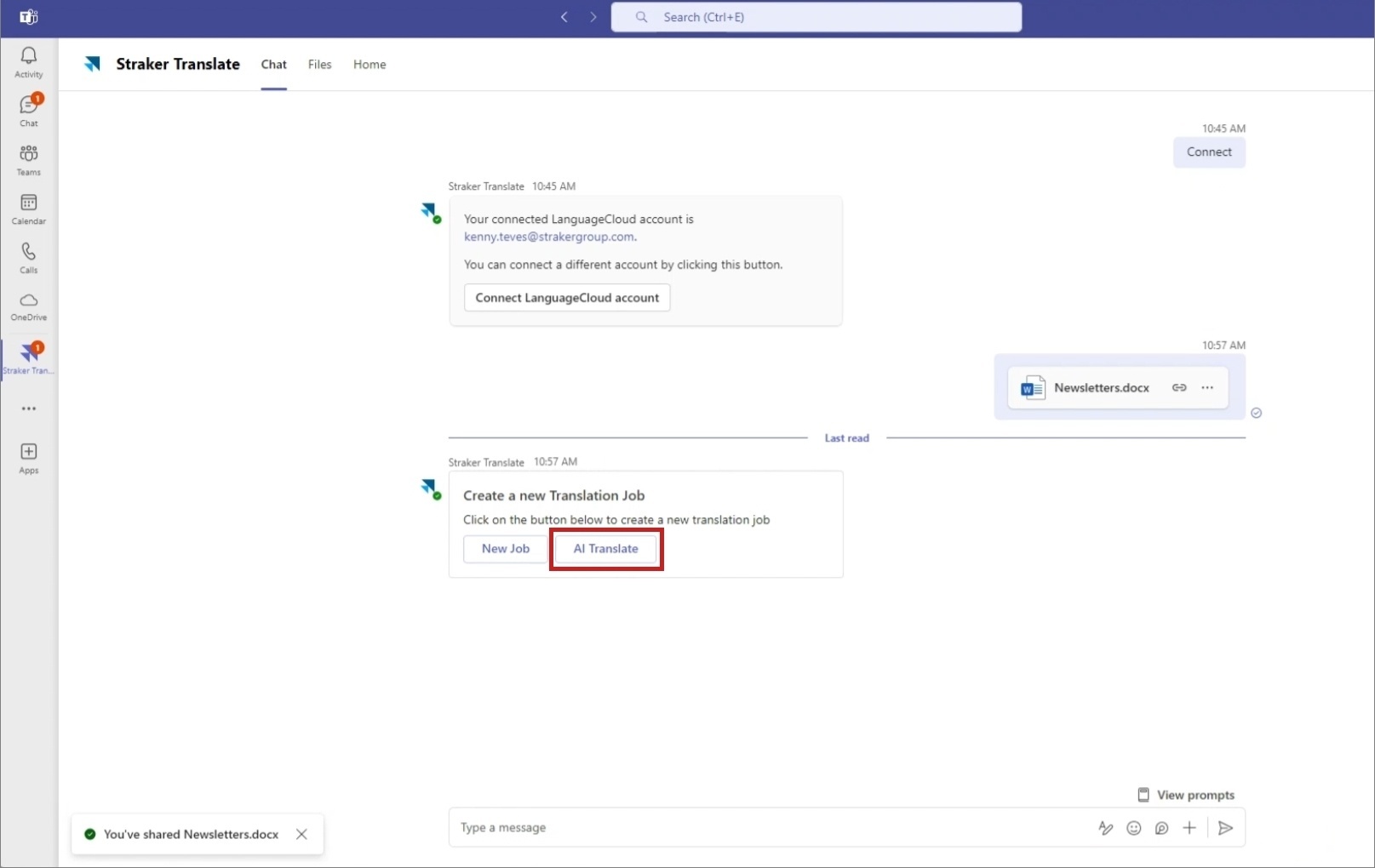
- You will receive a New Translation Job message. Click AI Translate.
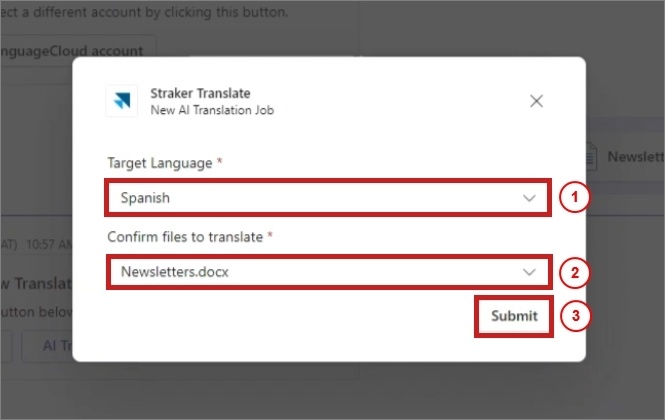
- A New AI Translation Job pop-up window appears. Select a Target Language, select the document to translate, and then click Submit.
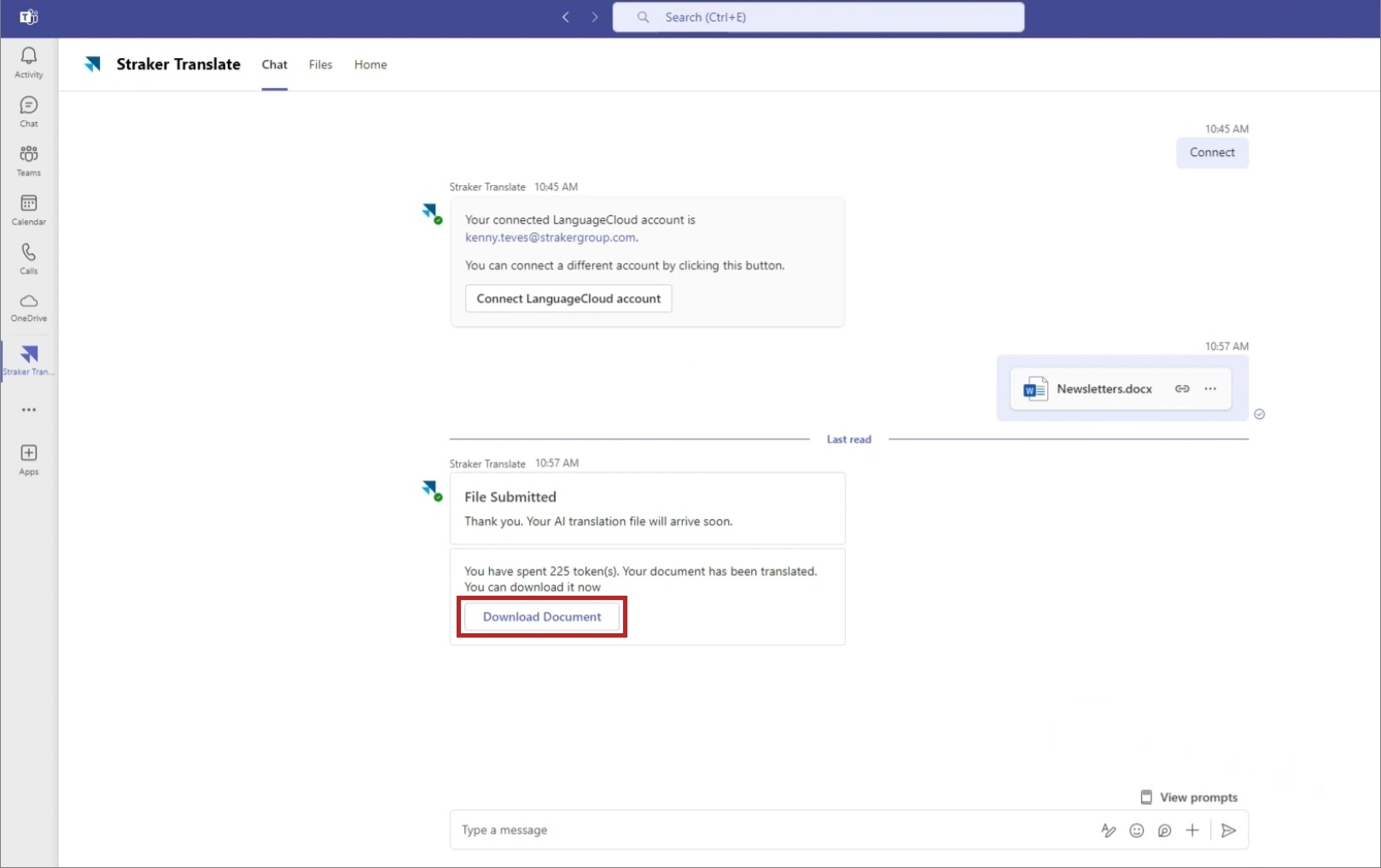
- You will be notified once your document is translated.
- Once the translation process is complete, click Download Document to download the translated version of your document.